
More than a logbook. One connected operating environment.
Log your contacts, follow DX and band activity, and keep supported station equipment within reach.
QSO Director brings logging, station control, digital-mode integrations and cloud synchronisation into one flexible application — designed around the way you operate.
Windows · macOS · Linux
Available now
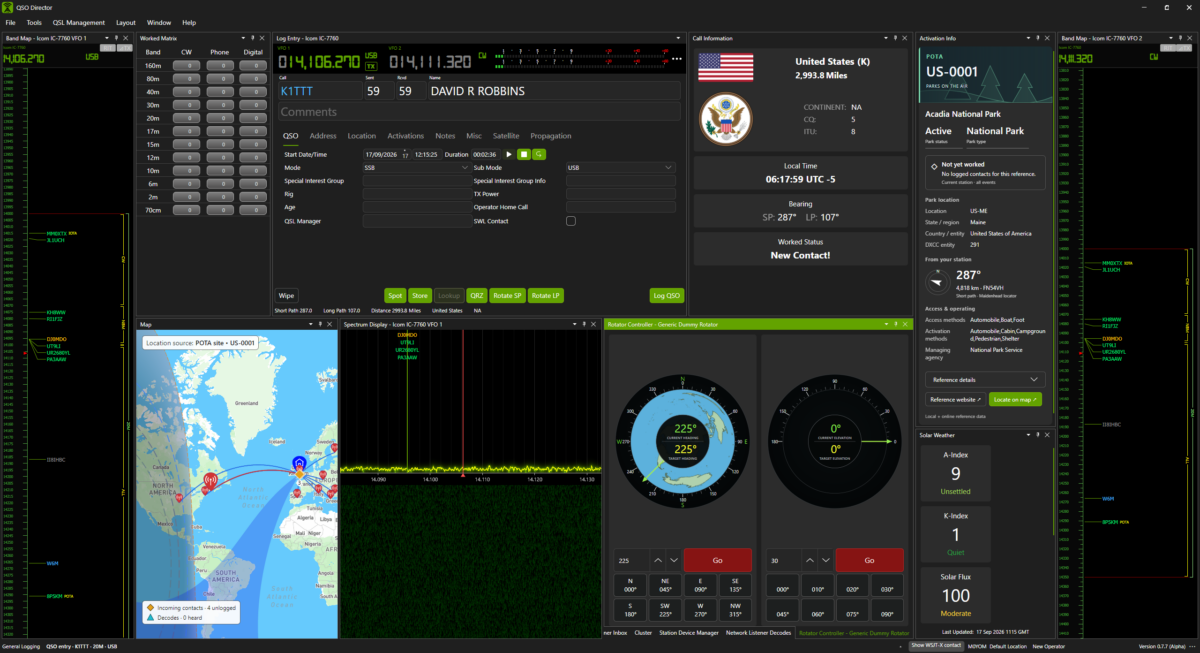
ONE OPERATING WORKFLOW
From finding activity to logging the contact.
A useful DX spot is only the beginning. You also need to know whether you've worked the station before, where your radio is tuned, and what to record once the contact is made.
QSO Director brings those pieces together. Band maps, worked and needed information, live radio state and QSO Entry can sit side by side, giving you the information you need without constantly switching between separate applications.
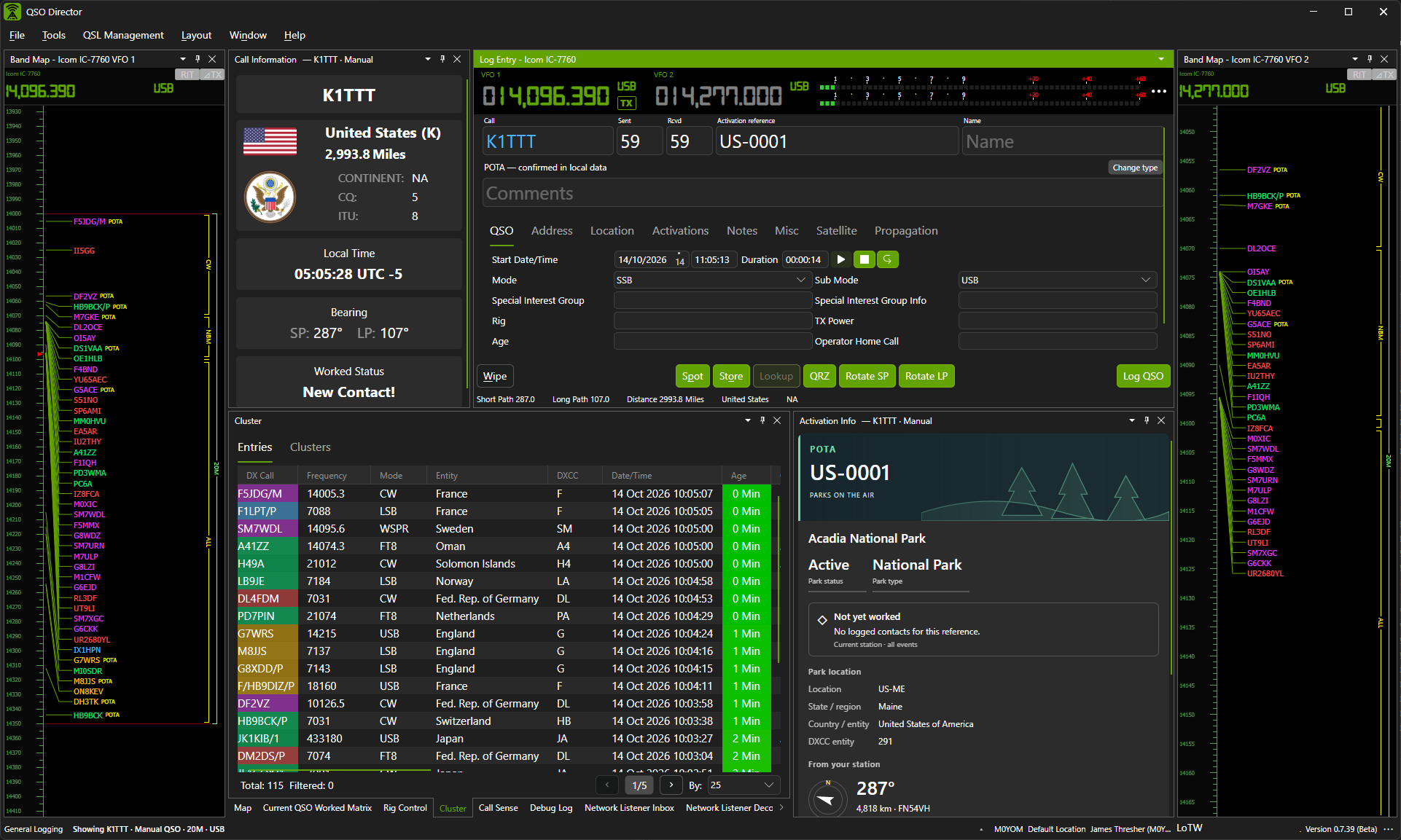
01
See what's happening
DX Cluster activity and interactive band maps help you discover stations and follow what's happening across the bands.
02
Know what matters
Worked and needed information from your logbook helps you identify opportunities and decide which contacts to pursue.
03
Log with confidence
Frequency and mode information from a compatible connected radio helps keep your logging accurate, while QSO Entry keeps the important details within easy reach.
EXPLORE THE FEATURES
Find the features that matter to you.
From everyday logging and DX hunting to connected station hardware and digital modes, QSO Director brings a growing range of amateur radio capabilities into one integrated application.
Explore the tools that support the way you operate.
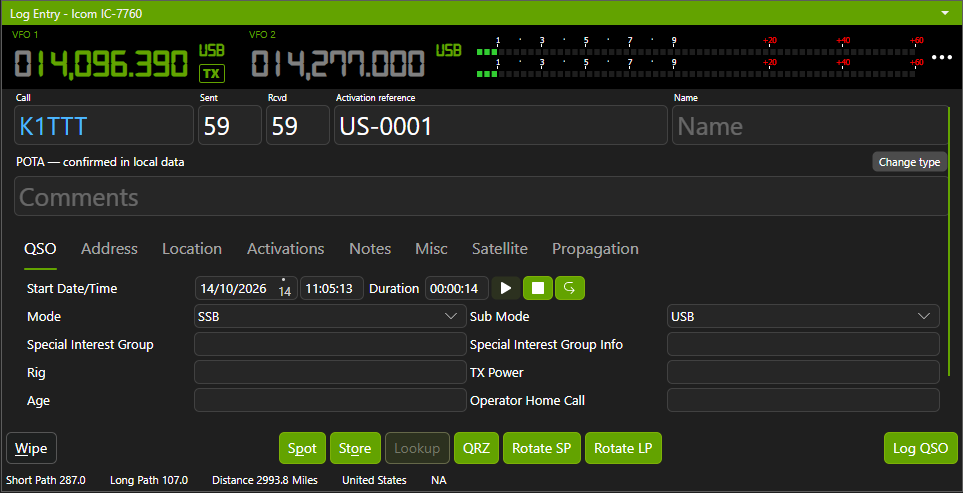
Logging & QSO Management
Your contacts. Your operating history. Connected.
Log QSOs with live radio information, callsign lookups and previous contact history. Search and maintain your logbook, and follow worked and confirmed status across bands and modes.
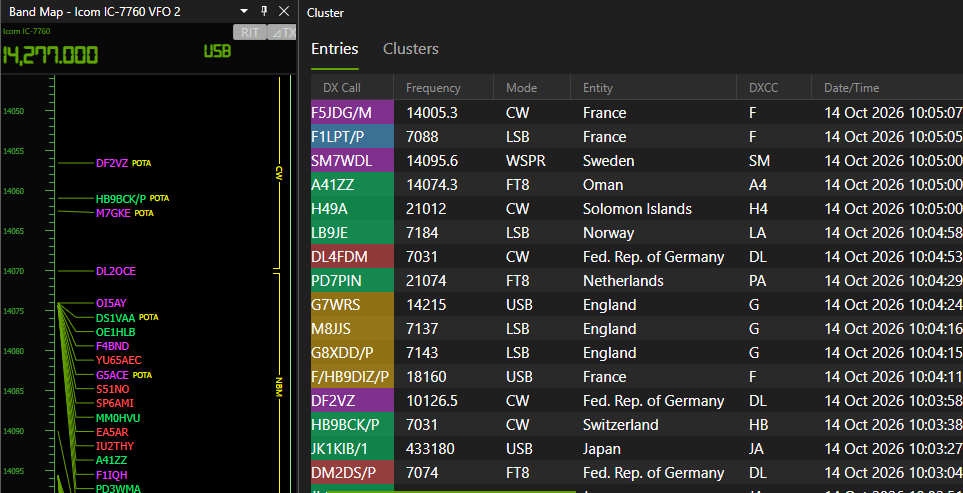
DX & Band Awareness
See the activity. Find your next contact.
Stay informed with live DX Cluster spots, interactive band maps, worked and needed information, and propagation-related tools. Find interesting activity and make better-informed operating decisions without constantly switching applications.

Station Control
Your station hardware, working together.
Control compatible radios, amplifiers, rotators and antenna switches from within QSO Director. Bring equipment controls and live operating information into the same workspace as your logging and DX tools.

Digital Modes & Integrations
Your favourite tools, connected.
Integrate with digital-mode software including WSJT-X and JTDX, and keep online logbooks such as LoTW, eQSL, QRZ.com and Club Log updated. Supported automatic logging and background uploads mean less time managing data and more time operating.

Cloud & Multi-Station
Your logbook, wherever you operate.
Keep contacts synchronised across computers through QSO Director Cloud. Manage multiple stations and operating locations, with the flexibility to share logging information across your shack, portable setups and other operating positions.

LoTW Integration
Your contacts uploaded. Your confirmations returned.
Connect your existing TQSL installation and let QSO Director automatically upload QSOs, download confirmations and reconcile previous LoTW submissions. With support for multiple stations and operating locations, your LoTW activity stays connected to your logbook without routine manual administration.

eQSL Integration
Electronic QSLs, without the extra administration.
Automatically submit QSOs to eQSL.cc and download confirmations, all in the background. Optional near-real-time uploads keep new contacts moving, while support for multiple stations and operating locations makes eQSL part of your normal logging workflow rather than another task.

Cross-Platform
One application. Three operating systems.
Use QSO Director on Windows, macOS and Linux with a consistent interface and familiar operating workflow. Whether you're in the shack or operating portable, choose the computer and operating system that suit you, with optional cloud synchronisation to keep your contacts connected.

Workspaces & Tools
An operating environment that adapts to you.
Arrange, resize and dock QSO Director's tools to suit your operating style. From a focused logging window to a multi-monitor station layout, create workspaces that put the information you need where you want it.

Activations
Everything you need for a smoother activation.
Plan and manage activations with dedicated workflows, integrated spotting, streamlined QSO logging and live progress statistics. Keep your activation details, contacts and operating progress together in one workspace, whether you're activating or hunting.

Contesting
Built for busy operating, with more to come.
Fast QSO Entry, worked-status information and integrated radio control provide a useful foundation for competitive operating. Dedicated contest workflows, scoring and contest-specific tools are being developed as QSO Director continues to expand.
Status: Coming soon