
Control compatible antenna switches directly from QSO Director and keep another part of your station within the same operating environment.
Connect your switch, see its current state and change outputs without relying on a separate control application during normal operation.
From a simple single-switch setup to stations using multiple switching devices, QSO Director brings antenna switch control alongside the other tools you use to operate.
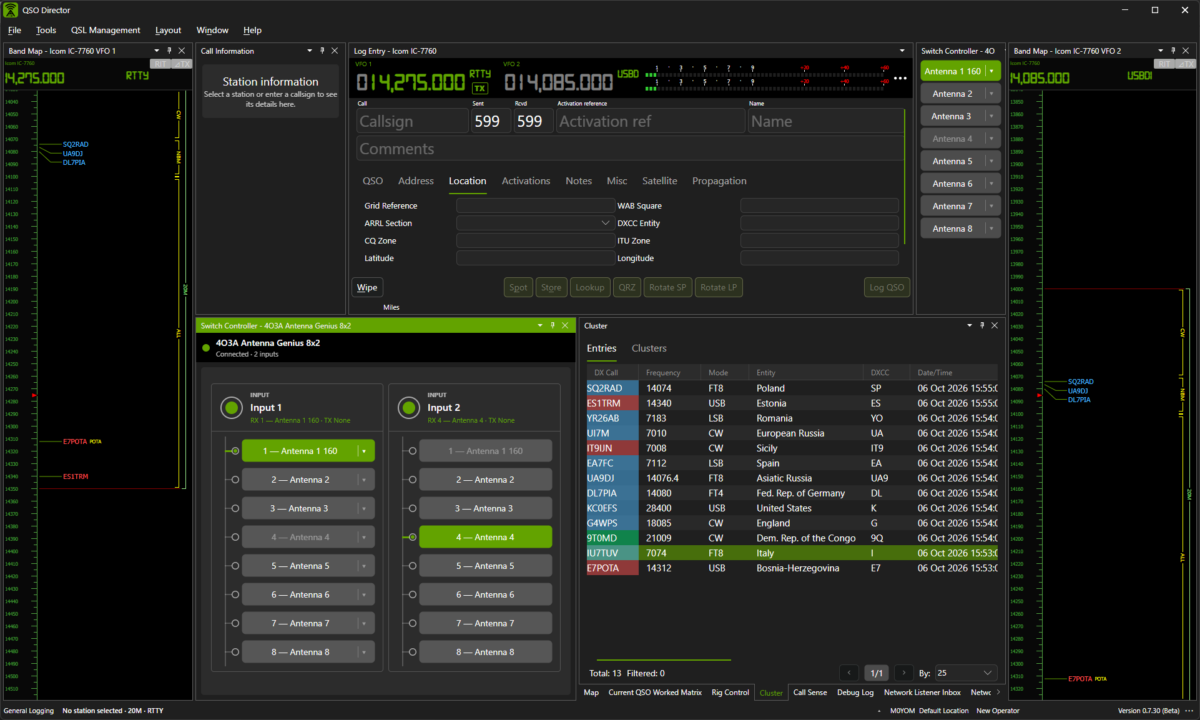
Control your antenna switch without leaving QSO Director
Antenna switching is a routine part of operating many amateur radio stations. It shouldn't require another application sitting alongside your logging and station-control software.
QSO Director brings compatible antenna switches directly into the application, giving you access to switch status and control while you operate.
Whether you're changing outputs during a band change or simply checking the current switch state, the controls remain available alongside the rest of your station.
See switch status
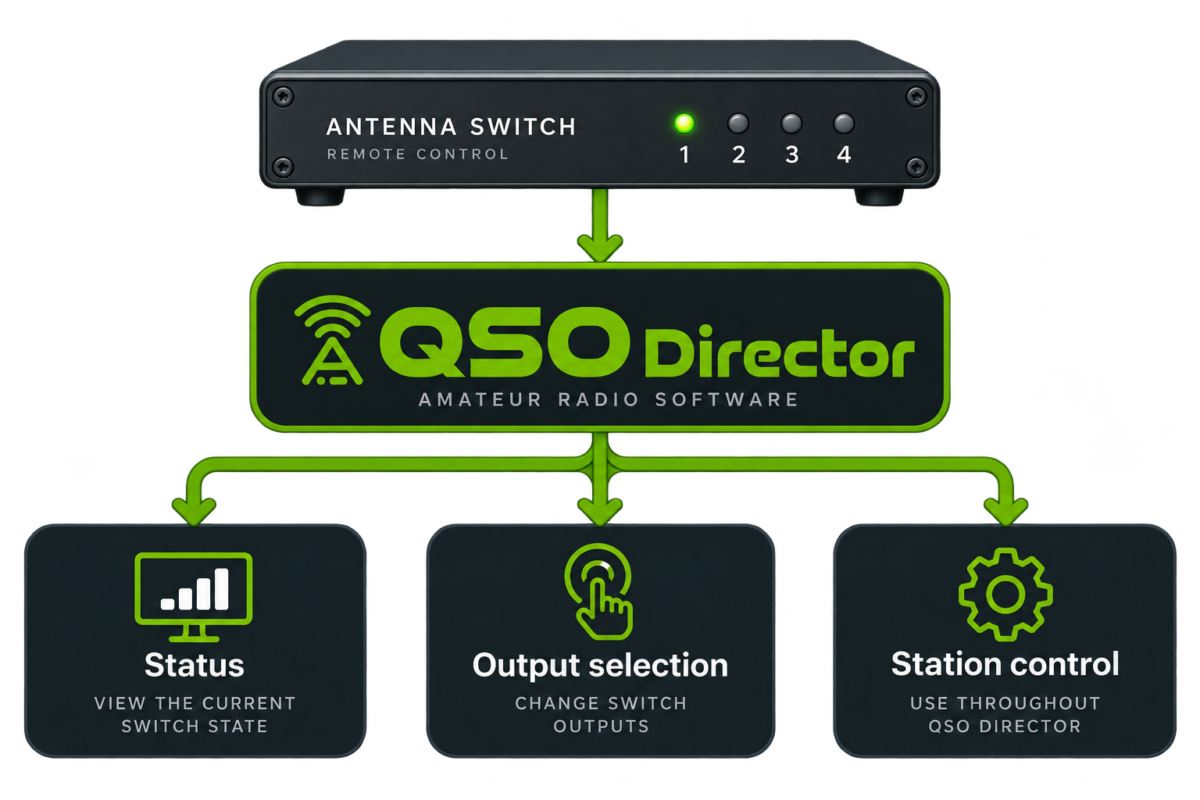
View the current state of your connected antenna switch directly within QSO Director.
Change outputs
Control available switch outputs without reaching for another application or hardware interface.
Keep control together
Use antenna switching alongside QSO Director's other logging, operating and station-control tools.
One connection. Control where you need it.
Connect a supported antenna switch to QSO Director and let the application manage communication with the device.
Rather than treating the switch as a completely separate part of your operating setup, its status and controls can become part of the QSO Director environment.
One application provides the connection and the interface you use to control it.
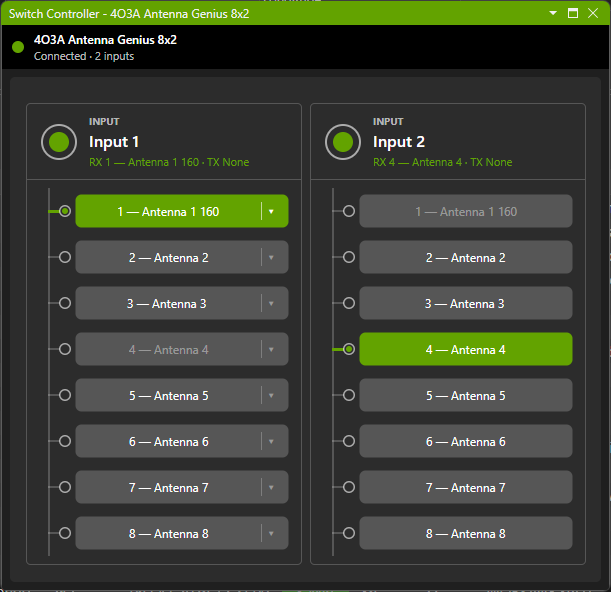
Know what's selected
When you're operating, you shouldn't have to remember the last button you pressed or open a manufacturer's utility simply to check the state of a switch.
QSO Director can display the current state reported by supported antenna switching hardware, keeping that information available as part of your operating environment.
That gives you a clear view of the switch while you're working elsewhere in the application.
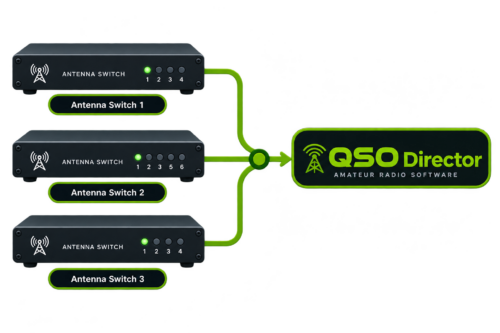
More than one switch? No problem.
Not every station relies on a single antenna switch.
QSO Director is designed to work with multiple configured station devices, allowing supported antenna switches to be added and controlled without assuming every station has the same hardware arrangement.
Select the switch you want to work with, see its current state and make the changes you need from within QSO Director.
Your antenna switch doesn't operate in isolation
Your antenna switch is only one of the devices you use while operating.
QSO Director brings station control together with logging and operating tools, reducing the need to run a collection of separate applications for different pieces of hardware.
Compatible radios, amplifiers, rotators and antenna switches can all be managed within the same QSO Director environment.

Radio Control
Connect to compatible transceivers and bring radio control into QSO Director.

Amplifier Control
Monitor and control supported amplifiers alongside the rest of your station.

Rotator Control
Control compatible antenna rotators without relying on a separate application.

Antenna Switching
Connect to supported antenna switches and control their outputs from QSO Director.
One application. Different manufacturers. One connected station.
One interface. Different hardware.
Antenna switches vary considerably between manufacturers, from their connection methods and protocols to the way their outputs are controlled.
QSO Director handles those hardware differences behind a consistent interface, so adding a different supported switch doesn't mean changing the way you operate.
Consistent control
Use a familiar QSO Director interface rather than learning a different application for every supported device.
Connection methods
QSO Director can support antenna switching hardware using the connection methods provided by compatible devices.
Growing compatibility
Support can expand to additional antenna switches without changing the way you work within QSO Director.
Find your antenna switch
QSO Director supports a growing range of station hardware, including compatible antenna switching equipment.
Check the Supported Hardware directory to see currently supported models, available connection methods and support status.
QSO Director is actively expanding hardware support. If your antenna switch provides a documented computer-control interface, it may be possible to add support.
Part of a connected operating environment
QSO Director isn't designed as a collection of unrelated hardware utilities.
Station control sits alongside logging, DXing, mapping, operating information and the other tools available throughout QSO Director.
Adding antenna switch control means one more part of the station can be managed without leaving the application you are already using to operate.
bring more of your station into one consistent operating environment
