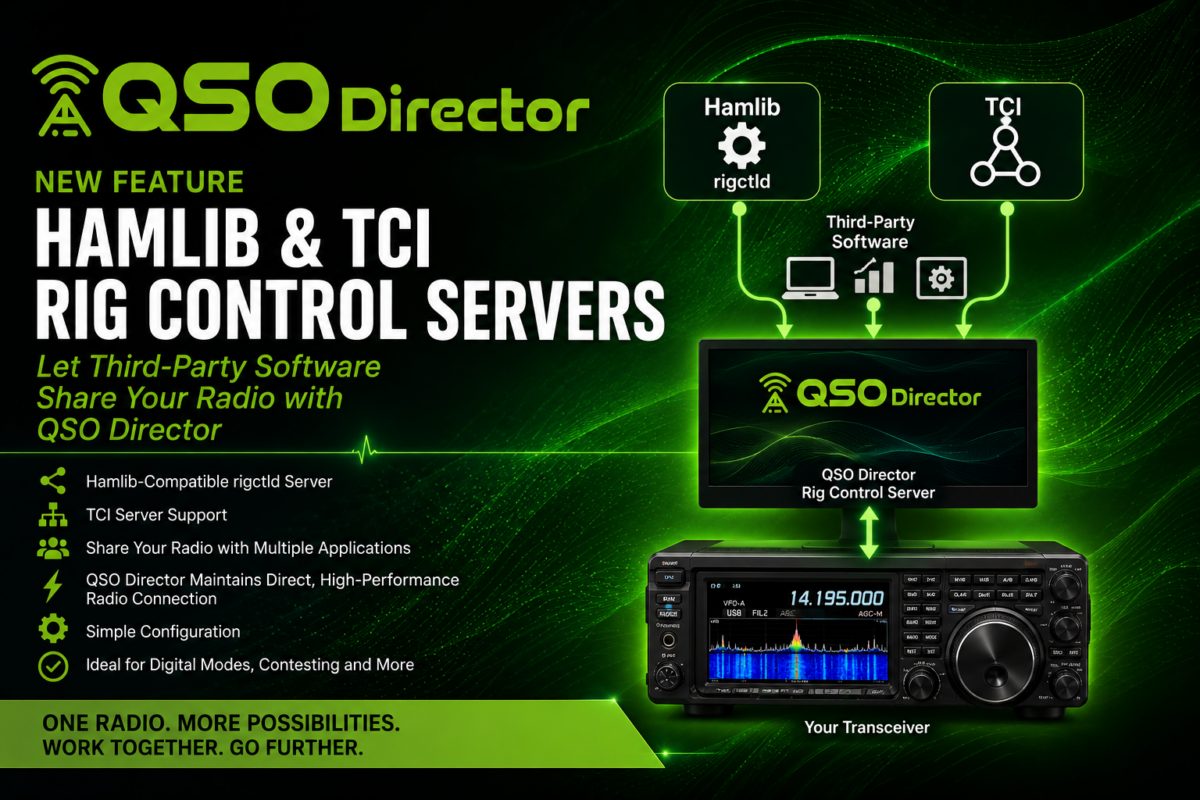
QSO Director Adds Hamlib-Compatible and TCI Rig Control Servers
October 7, 2026
Release Notes: 0.7.31-beta
October 7, 2026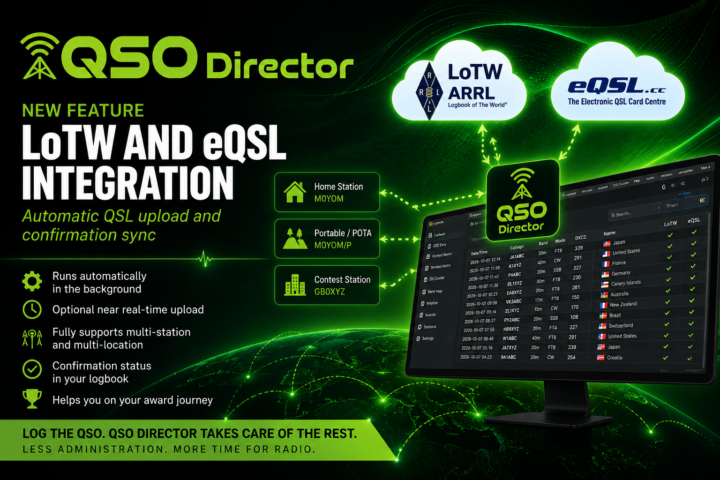
Electronic QSLing shouldn’t become another job you have to remember to do after operating.
QSO Director now includes integrated support for ARRL Logbook of The World (LoTW) and eQSL.cc, allowing your logged contacts and QSL confirmations to be kept in sync automatically.
Once configured, the integrations can simply run in the background. There are no ADIF files to repeatedly export and upload, and no routine synchronisation process to remember.
For operators who want their contacts submitted even sooner, QSO Director also supports real-time integration, allowing QSOs to be uploaded briefly after they’re logged.
And because the integrations are built around QSO Director’s existing multi-station and multi-location capabilities, they’re designed to work with more than just a single callsign operating from a single station.
Configure it once, then get back to operating.
Your logbook and QSL services, automatically connected
LoTW and eQSL are widely used by amateur radio operators for electronically confirming contacts.
But electronic QSLing can introduce another administrative step into operating.
Make some contacts. Update the log. Export them. Upload them. Check for confirmations. Update the logbook again.
QSO Director is designed to remove as much of that process as possible.
Once you’ve connected and configured your LoTW and eQSL accounts, QSO Director can handle the routine work automatically in the background.
You don’t need to remember to synchronise your log after an operating session. You don’t need to make uploading an ADIF file part of your normal operating routine.
Log the QSO. QSO Director takes care of the rest.
Automatic LoTW integration
ARRL’s Logbook of The World is one of amateur radio’s most important electronic confirmation systems, with confirmed contacts used towards awards including DXCC, Worked All States, VUCC, WAZ and WPX.
QSO Director’s LoTW integration brings that confirmation process directly into your logging workflow.
Once configured, QSO Director can automatically handle the routine exchange of information with LoTW in the background, without requiring you to manually manage the process after each operating session.
As confirmations become available, that information can be brought back into QSO Director and associated with the corresponding contacts in your logbook.
Your QSO Director logbook and your LoTW activity no longer need to feel like two completely separate workflows.
Automatic eQSL integration
The same philosophy applies to eQSL.cc.
Once you’ve configured your eQSL integration, QSO Director can take care of the routine exchange of QSO information in the background.
Instead of periodically exporting your logbook and uploading the resulting file yourself, your eQSL activity becomes another part of QSO Director’s connected logging environment.
Confirmation information can then be associated with the contacts in your QSO Director logbook, helping you maintain a more complete record of which QSOs have been confirmed.
Built for multiple stations and locations
Not every amateur radio logbook represents one callsign operating from one fixed station.
You might operate from home and from a portable location. You might have several station configurations. You may use different callsigns or callsign variants depending on where and how you’re operating.
QSO Director is already designed around this reality, with support for multiple stations and multiple operating locations.
The new LoTW and eQSL integrations are built around those capabilities rather than being added as a simple logbook-wide upload function.
QSO Director can use the station and location associated with a QSO as part of the electronic QSL workflow, allowing the integrations to operate correctly across the different ways and places you operate.
That becomes particularly useful for operators who combine normal home operation with portable activity, activations, contest stations or other operating locations.
You don’t have to reduce your station setup to a single generic configuration just to automate electronic QSLing.
Your QSL workflow follows the station and location you actually used.
Want it faster? Use real-time integration
Not every operator wants to wait for a scheduled background synchronisation.
QSO Director therefore also provides the option of real-time integration.
Enable it and newly logged QSOs can be submitted shortly after they’re added to your logbook.
Work a station. Log the QSO. QSO Director can take care of getting it on its way to your electronic QSL services without waiting for you to finish operating and perform a separate upload.
And because QSO Director knows about your stations and operating locations, this isn’t simply a stream of contacts being blindly sent from a logbook. The integration remains part of the same station-aware logging environment.
It’s particularly useful during longer operating sessions, portable operations and activations, or whenever you simply prefer your electronic QSL information to remain as current as possible.
And because it’s optional, you can choose the approach that best suits the way you operate.
Configure it once. Let QSO Director handle it.
Good station software should reduce the number of things an operator has to think about.
That’s the philosophy behind these integrations.
QSO Director doesn’t require LoTW or eQSL to become another window that needs your attention throughout an operating session. Once everything is configured, the integrations can work quietly in the background.
That makes the normal workflow remarkably simple:
Make the contact. Log the QSO. Carry on operating.
QSO Director handles the routine QSL synchronisation behind the scenes.
Whether you’re operating from your usual station or another configured location, the electronic QSL workflow remains connected to the QSO you’ve actually made.
More than a “confirmed” flag
Bringing LoTW and eQSL information into QSO Director is also important for what the software can do with that information.
There is a significant difference between knowing:
“I’ve worked it.”
and:
“I’ve confirmed it.”
For an operator chasing DXCC entities, bands, modes or awards, both pieces of information matter.
By making QSL confirmation part of the QSO Director logbook rather than something isolated on an external service, confirmation data can become useful throughout the wider application.
And because QSO Director understands stations and locations, that information can retain the context in which the contact was actually made.
That becomes increasingly important as QSO Director’s awards and operating tools continue to develop.
One QSO. One connected workflow.
LoTW and eQSL integration is another step towards a broader goal for QSO Director: bringing together the tools and information involved in operating an amateur radio station.
A contact might start with a DX Cluster spot. QSO Director can help identify whether you need it, control the radio and other station hardware, provide information about the station you’re working and record the resulting QSO.
Now, the workflow doesn’t have to stop when you press Log.
The contact can continue through electronic QSL submission and eventually confirmation, with that information coming back into the same logbook where the QSO started.
And whether that contact was made from your main station, another station configuration or another operating location, QSO Director retains that context throughout the workflow.
Less exporting. Less uploading. Less log administration.
More time for radio.
LoTW and eQSL integration is available now
LoTW and eQSL integration is now available in QSO Director.
Connect your accounts, configure the stations and locations you want to use, choose how you want the integrations to operate and let QSO Director take care of the routine work in the background.
And if you want newly logged contacts submitted as quickly as possible, enable real-time integration and QSO Director will take care of that too.
Join Us on the Journey
By joining QSO Director in Early Access, you’re not just buying software, you’re helping shape its future. Your feedback, ideas, and real-world use will play a vital role in what comes next.
I’m incredibly grateful for your support and excited for the journey ahead.
Let’s build the future of amateur radio software — together.
73 James – M0YOM