
Installing QSO Director on Windows is a very simple process.
Step 1 - Download the installation Files
In your browser, login to the QSO director admin portal at https://app.qso-director.com/Admin
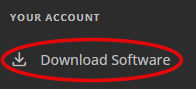
Open the "Download Software" page using the menu on the left then click the "download" button under the Windows Icon.
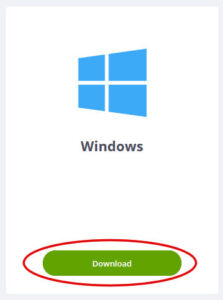
The software download will begin.
Step 2 - Launch the installation
From your browser's downloaded files, launch the file you have just downloaded (It should be called 'QSODirector-windows-release-Setup.exe'). The software will now install
The application will launch automatically or alternativly you can now launch QSO Director from the Start Menu